

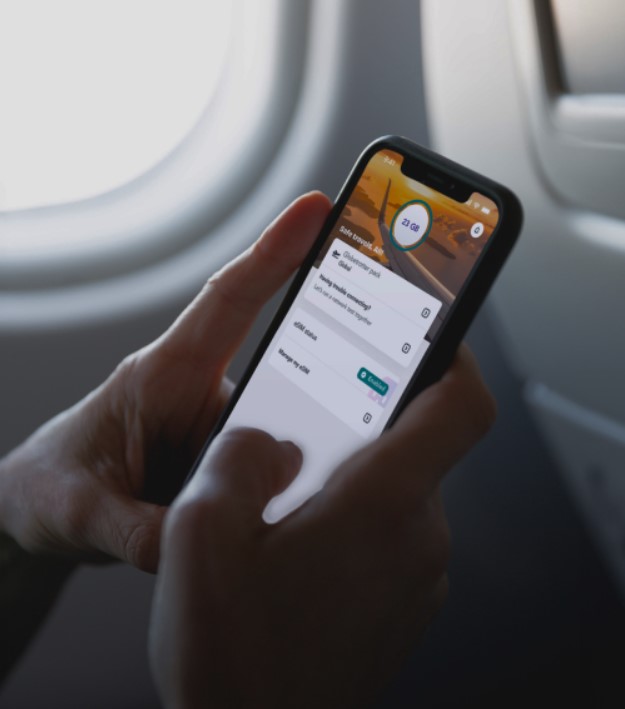
If you have ever landed somewhere new and heard the airport announcements echo while your phone shows no service, an eSIM starts to make a lot of sense. With Jetpac, you can sort your eSIM plan without hunting for a kiosk or swapping a tiny plastic card. An eSIM is simply a digital SIM that lives inside your device. It connects you to a mobile network, just like a physical SIM, but it is installed through settings instead of a store.
An eSIM replaces the need to handle a physical chip. There is no pin tool, no cardboard packaging, and no moment of panic when the SIM card slips onto the floor. The eSIM profile is downloaded to your phone and stored securely, so your device can register on a carrier network and start using data, calls, or texts depending on the plan.
What an eSIM actually is?
A traditional SIM card holds your subscriber details on a removable card. An eSIM holds the same kind of details, but in software. The “e” means embedded. The eSIM chip is built into your phone, tablet, or smartwatch. You add a cellular plan by installing an eSIM profile, which is like a set of credentials your device uses to identify itself on the network.
That is the key difference. With a physical SIM, you move the card. With an eSIM, you move the profile.
How does an eSIM work?
Most eSIM setups feel routine once you have done it once. You are usually sitting on WiFi, maybe in a quiet cafe, hearing cups clink and a coffee machine hiss in the background. You open settings, tap a few options, and you are done.
Here is the typical flow:
- You choose a plan from a provider.
- You receive a QR code or activation details.
- On your phone, go to settings and add a cellular plan.
- Scan the QR code or enter details manually.
- Confirm the details in case inserted manually and let the eSIM install.
Once installed, the eSIM can connect to the carrier network when it is turned on. Many phones also let you store more than one eSIM profile, so you can switch between profiles without reinstalling every time.
eSIM for travel feels easier
Travel has its own texture. Warm air when the plane door opens, trolley wheels rattling on the floor, the smell of fried snacks near the arrivals exit. The last thing most people want is a long setup process before they can book a ride or pull up directions. With an eSIM, you can often install the plan before you leave home, then turn it on when you arrive. That means you can step outside and check maps straight away.
What you need before installing an esim
Before you buy an eSIM plan for international travel, check three things:
- Whether your device supports eSIM.
- Make sure your phone is unlocked, especially if it comes with a contract.
- You have internet access to download the eSIM profile.
Why Choosing the right eSIM matters?
Not all eSIMs are created equal. Choosing a provider that prioritizes coverage, reliability, and simplicity makes a noticeable difference. Platforms like Jetpac are designed specifically for travelers who want consistent connectivity without complexity.
With Jetpac, you install one eSIM and use it across more than 200 destinations. It connects to multiple partner networks in each location, helping maintain strong coverage even when one carrier becomes weak. Everything is prepaid, so there are no surprise charges, and data can be shared freely via hotspot.
Another major benefit is flexibility. You can top up data for new destinations without reinstalling anything, making it ideal for longer or multi-leg journeys. Even essential apps like maps and messaging continue working after your data balance runs out, which adds an extra layer of reliability.
Thoughts ahead
Once you start using eSIM, you begin to plan less around connectivity. The small friction disappears. No more keeping spare SIM cards in your wallet. No more digging for a pin tool in a backpack pocket. Over time, eSIM makes your phone feel more flexible, especially if you juggle different trips or different needs. It is a quieter way to stay connected, and it fits the way people actually move through real days.
