

In today’s digital world, protecting personal information is more important than ever. Many people search for how to call private when they want to hide their caller ID for business, safety, or privacy reasons. Whether you’re returning a call, contacting a client, or protecting your personal number, understanding how private calling works can help you make informed decisions.
Private calling, also known as caller ID blocking or anonymous calling, allows you to hide your phone number from the person you’re calling. Instead of displaying your number, the recipient sees “Private Number,” “Unknown Caller,” or “No Caller ID.” While the feature is widely available on smartphones, its effectiveness depends on carrier settings, regional regulations, and device type.
This in-depth guide explains how to call private on iPhone, how to call private on Android, how to call private number back, and how to manage anonymous calling responsibly. It follows best practices aligned with telecommunications guidance and privacy recommendations from authorities like the Federal Communications Commission and consumer resources such as Federal Trade Commission.
How to Call Private on iPhone
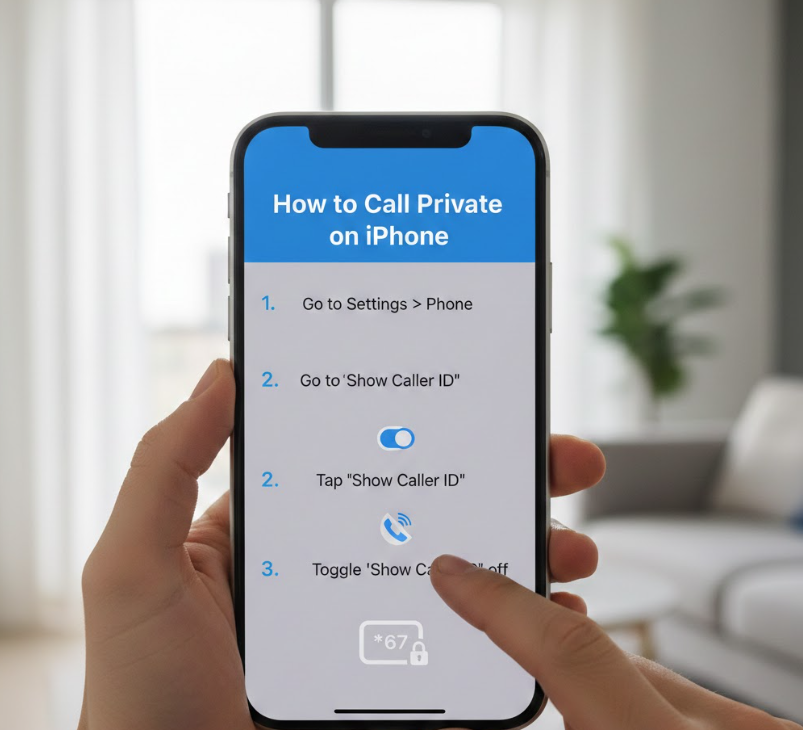
Understanding how to call private on iPhone involves adjusting built-in settings that control caller ID transmission.
Definition and Overview of Private Calling on iPhone
When you learn how to call private on iPhone, you’re essentially disabling your outgoing caller ID. Apple devices include a system-level setting that prevents your number from being shared during outgoing calls. This method works across most carriers, though availability may depend on regional telecom policies.
Private calling on iPhone is commonly used for business communications, confidential inquiries, or personal safety. It ensures that your number is not displayed on the recipient’s screen. However, some recipients may have call-blocking settings that reject anonymous calls automatically.
Step-by-Step Guide to Hide Caller ID on iPhone
• Open the Settings app on your iPhone.
• Scroll down and tap on “Phone.”
• Select “Show My Caller ID.”
• Toggle off the switch to disable caller ID sharing.
• Place your call normally; it will appear as “Private” or “No Caller ID.”
Alternative Method Using a Dial Code
In many countries, dialing *67 before the phone number temporarily blocks your caller ID for a single call.
• Open the Phone app.
• Dial *67 followed by the full phone number.
• Press call.
• Your number will appear as private for that specific call only.
Important Considerations for iPhone Users
• Some carriers do not allow permanent caller ID blocking.
• Emergency services will always see your real number.
• Businesses may automatically reject private calls.
• VoIP apps may require separate privacy settings.
For technical documentation, Apple support materials from Apple Inc. provide device-specific guidance.
Also Read:- How to Braid Hair: The Complete Step-by-Step Guide for Beginners, Men, and Advanced Styles
How to Call Private Number (General Methods)
Learning how to call private number applies across various devices and telecom providers.
What Does Calling Private Mean?
Calling private means masking your phone number from appearing on the recipient’s caller ID display. Instead of seeing your number, the person receives a notification such as “Unknown,” “Private,” or “Blocked.” This is achieved either through device settings or network-level commands.
Private calling is legal in many regions but must not be used for harassment, fraud, or unlawful purposes. Regulatory bodies like the Ofcom oversee telecom practices in certain countries.
Universal Methods to Hide Caller ID
• Use carrier-specific prefix codes (e.g., *67 in the U.S.).
• Enable caller ID blocking through phone settings.
• Contact your mobile carrier to activate permanent number blocking.
• Use VoIP services with anonymous calling features.
When to Use Private Calling
• Protecting your personal number when calling businesses.
• Conducting confidential interviews or research.
• Avoiding spam call returns.
• Maintaining privacy in online marketplace transactions.
Risks and Limitations
• Many users ignore or decline private calls.
• Some smartphones automatically block unknown numbers.
• Law enforcement can still trace calls if necessary.
• Caller ID blocking does not hide your identity from your carrier.
According to telecommunications surveys, over 60% of smartphone users avoid answering calls from unknown or private numbers, highlighting the importance of understanding recipient behavior.
Also Read:- How to Get Out of Jury Duty: Legal, Ethical, and Practical Guide
How to Call Private on Android
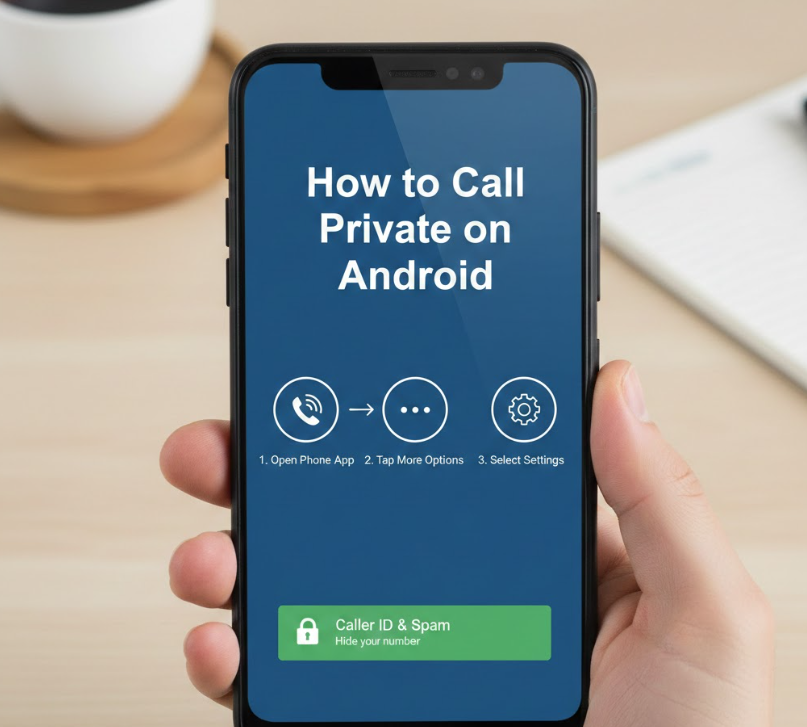
If you use Android, knowing how to call private on Android depends on device manufacturer and OS version.
Understanding Android Caller ID Settings
Android devices offer built-in caller ID management under call settings. Since Android runs on multiple brands (Samsung, Google Pixel, Xiaomi), the menu path may vary slightly. The core principle remains the same: disable caller ID transmission through network settings.
Step-by-Step Android Instructions
• Open the Phone app.
• Tap the three-dot menu in the top corner.
• Select “Settings.”
• Tap “Calls” or “Calling Accounts.”
• Choose “Caller ID.”
• Select “Hide Number.”
Using Dial Codes on Android
Just like iPhone, Android users can dial *67 before the number to make a single private call.
• Open the dial pad.
• Enter *67 followed by the number.
• Press the call button.
• The call will appear as private.
Android-Specific Considerations
• Some dual-SIM phones require selecting the SIM before changing caller ID.
• Certain carriers override phone-level settings.
• Wi-Fi calling apps may have independent privacy options.
Android documentation from Google provides additional guidance depending on OS updates.
Also Read:- How to Find Surface Area: Complete Step-by-Step Guide with Formulas and Examples
How to Call Private Number Back
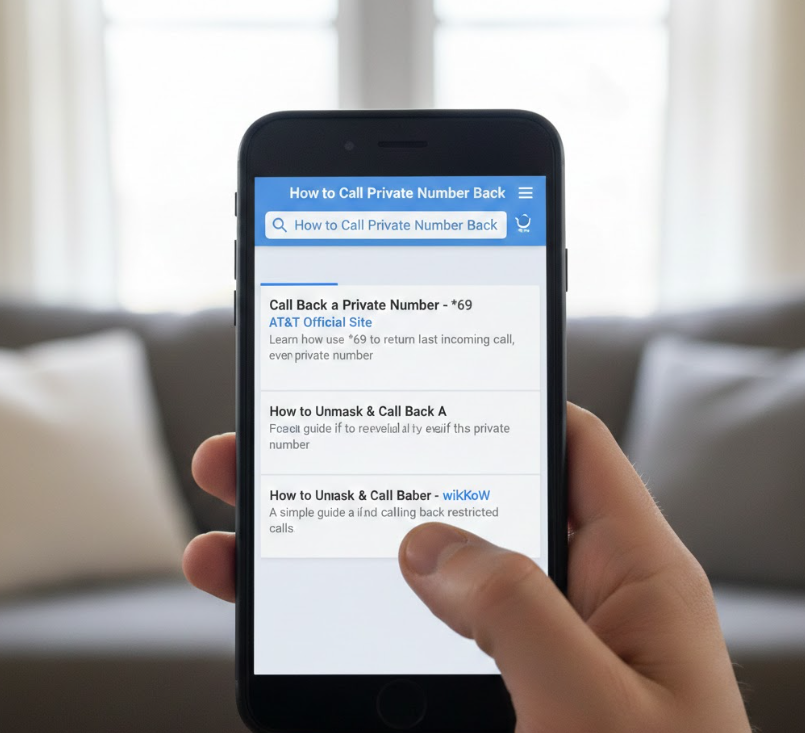
Receiving a private call can be frustrating. Many users wonder how to call private number back safely.
Understanding Anonymous Incoming Calls
When someone hides their caller ID, your phone cannot display their number. Because the number is not transmitted to your device, you cannot directly call it back unless your carrier provides call return services.
Methods to Return a Private Call
• Use *69 (in some countries) to return the last incoming call.
• Contact your carrier for call trace services.
• Review voicemail messages for identifying details.
• Ask the caller to leave a message for verification.
Safety Tips Before Calling Back
• Avoid calling back suspicious private numbers immediately.
• Verify legitimacy through voicemail or text confirmation.
• Never share personal information without identity confirmation.
• Report harassment to your carrier.
Consumer protection guidance from the Better Business Bureau recommends caution when interacting with unknown callers.
Why You Often Cannot Call Back Directly
Caller ID blocking prevents your phone from receiving the actual number data. Without that information, there is no stored contact to dial. Only telecom providers can access call logs containing the hidden number.
Legal and Ethical Considerations of Private Calling
Understanding how to call private also involves recognizing legal boundaries.
Is Private Calling Legal?
In most countries, hiding your caller ID is legal for personal privacy. However, using private calls for harassment, scams, or fraud is illegal and punishable under telecommunications law.
Regulatory Oversight
Organizations like the Federal Communications Commission regulate caller ID rules in the United States. Similar agencies exist globally to enforce anti-spoofing laws.
Responsible Usage Guidelines
• Use private calling only for legitimate reasons.
• Avoid repeated anonymous calls to the same number.
• Respect “Do Not Call” regulations.
• Understand local telecommunications policies.
Also Read:- How to Erase iPhone: Complete Expert Guide for Safe Reset, Trade-In, and Security
Conclusion
Learning how to call private gives you control over your personal privacy in an increasingly connected world. Whether you’re using an iPhone or Android device, built-in settings and dial codes make caller ID blocking accessible and easy. However, understanding legal responsibilities, technical limitations, and recipient behavior is equally important.
Private calling should be used ethically and strategically. While it protects your number from display, it does not guarantee anonymity from telecom providers or authorities. By following the steps outlined in this guide, you can confidently manage your caller ID settings while respecting privacy laws and digital communication best practices.
FAQs
Can I permanently hide my caller ID?
Yes, through phone settings or by contacting your carrier for permanent blocking.
Why do some private calls fail?
Some recipients use automatic blocking for unknown numbers.
Does private calling work internationally?
It depends on carrier agreements and country regulations.
Can emergency services see my number?
Yes, emergency services can always identify your number regardless of caller ID blocking.
For More Updates Visit: Biomagazine
