

Knowing how to erase iPhone properly is essential for protecting your personal data, maintaining your privacy, and preparing your device for resale, trade-in, or troubleshooting. Your iPhone stores sensitive information such as passwords, banking details, photos, and personal messages. If you erase your iPhone incorrectly, your data could remain accessible to others, which can lead to privacy risks or identity theft.
This comprehensive guide explains how to erase iPhone safely, including how to erase iPhone for trade in, how to erase iPhone without password, and how to erase iPhone without passcode. You’ll also learn best practices recommended by Apple Inc., along with expert tips, actionable steps, and professional insights.
Whether you’re selling your device, fixing software problems, or starting fresh, this guide will help you erase your iPhone safely and correctly.
Understanding What It Means to Erase iPhone Completely
Erasing an iPhone means permanently removing all personal data, settings, apps, and configurations from the device. This process restores the phone to factory settings, making it function like a brand-new device. When you understand how to erase iPhone properly, you ensure your data cannot be recovered easily.
A factory reset deletes your personal files, removes your Apple ID, disconnects cloud services, and eliminates saved passwords. This protects your privacy and prepares the device for its next owner or a fresh setup.
Professionals recommend erasing an iPhone before selling, trading, or giving it away to prevent unauthorized access to personal data.
Key reasons why erasing your iPhone is essential:
. Protecting your personal privacy and sensitive data
When you erase your iPhone, you remove your contacts, personal photos, email accounts, and stored passwords from the device. This ensures that no future user can access your private information. Personal data stored on smartphones can be exploited if not removed properly, especially banking apps or saved login credentials.
Erasing your device prevents unauthorized access to your personal identity and protects your online accounts from compromise. This is particularly important when selling or donating your phone. Proper erasure ensures complete data security.
. Preparing your iPhone for resale or trade-in
If you plan to sell your phone online or trade it in at a retailer, knowing how to erase iPhone properly ensures the device is ready for the new owner. Buyers expect a clean device without previous owner information.
A properly erased iPhone increases buyer trust and device value. Trade-in programs also require factory reset before accepting the device. Erasing removes activation locks and ensures smooth ownership transfer.
. Removing malware or security threats
Although rare, malware or malicious profiles can affect smartphones. Erasing removes unauthorized profiles, apps, or harmful configurations.
Factory reset ensures your device is secure and clean from potential threats.
. Protecting cloud account access and Apple ID security
Erasing your iPhone disconnects your Apple ID, cloud backups, and online accounts. This prevents others from accessing your cloud data.
Also Read:- How to Use Spirometer: A Complete, Evidence-Based Guide for Safe and Effective Breathing Therapy
How to Erase iPhone for Trade In Safely and Completely
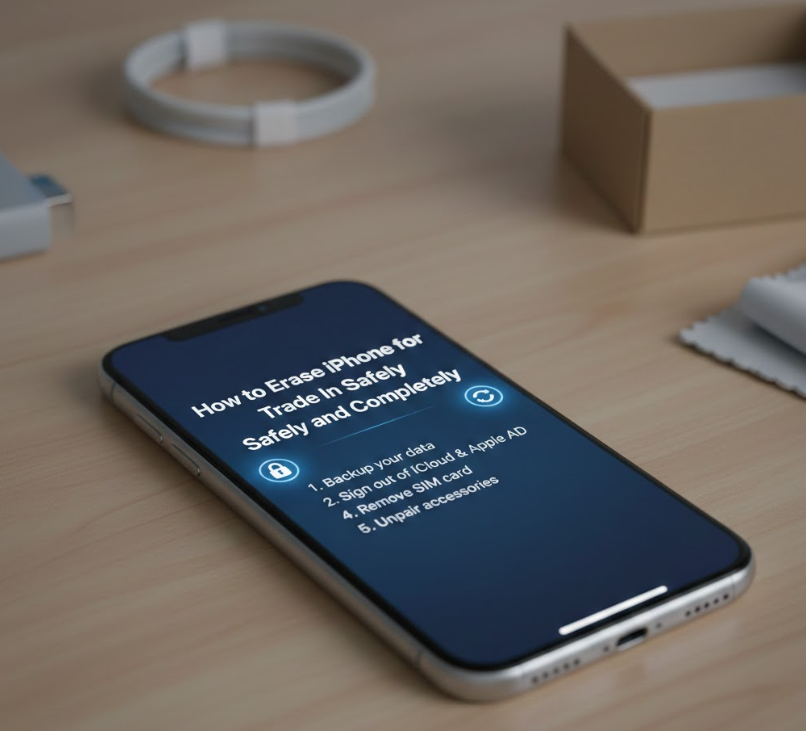
Learning how to erase iPhone for trade in is critical to protect your data and ensure the trade-in process goes smoothly. Trade-in companies require devices to be fully erased before accepting them.
Before erasing, you must back up your data and sign out of your accounts. This ensures you do not lose important information permanently.
Step-by-step process to erase iPhone for trade-in:
. Back up your iPhone data completely
Before erasing your device, create a full backup using cloud storage or your computer. This ensures your photos, contacts, and files remain safe. Backups allow you to restore your data on your new device easily.
Backing up prevents permanent data loss and ensures a smooth transition to your new phone.
. Sign out of your Apple ID and cloud services
Signing out disconnects your device from your cloud account and disables activation lock. This ensures the next owner can use the device without restrictions.
Leaving your Apple ID signed in can prevent new owners from activating the device.
. Unpair connected devices like smartwatch or accessories
If your iPhone is connected to wearable devices or accessories, unpair them before erasing. This prevents connection problems later.
It ensures your accessories remain linked to your account and not the old device.
. Remove SIM card and physical storage accessories
Removing the SIM card protects your phone number and carrier data. SIM cards contain important subscriber information.
This prevents misuse of your mobile identity.
. Perform factory reset from settings menu
Go to Settings → General → Transfer or Reset → Erase All Content and Settings. This deletes all personal information and restores factory settings.
The process takes a few minutes and ensures complete data removal.
. Verify device is erased properly
After reset, the device should show the welcome screen. This confirms successful erasure.
This ensures your device is ready for trade-in safely.
Also Read:- How to Use SodaStream: The Complete Expert Guide for Beginners and Advanced Users
How to Erase iPhone Without Password Safely
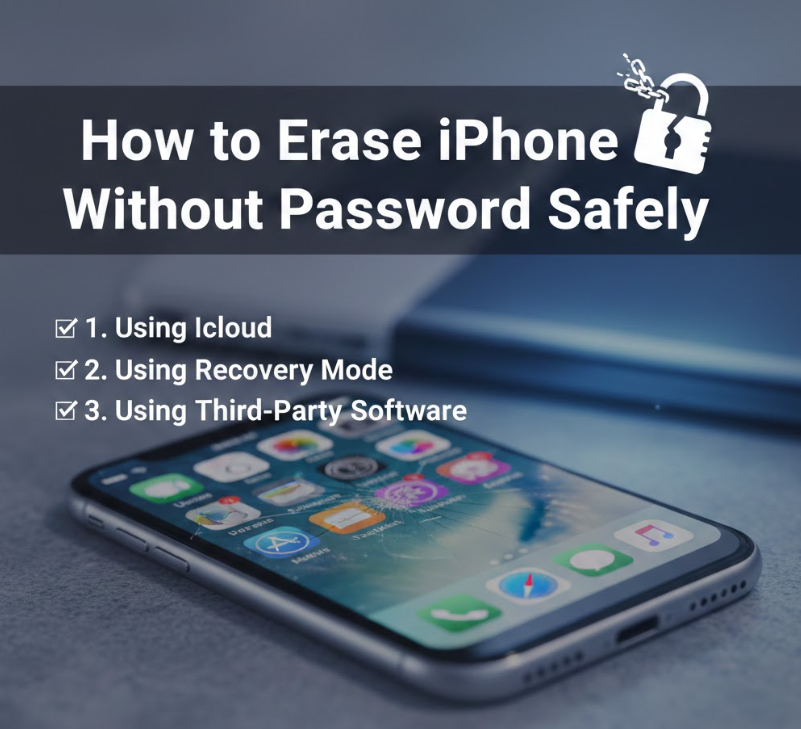
Sometimes users forget their device password. Learning how to erase iPhone without password helps regain access and reset the device safely.
This process involves using recovery mode and connecting your device to a computer. This method removes the password and restores factory settings.
Steps to erase iPhone without password:
. Use recovery mode to reset the device
Recovery mode allows you to reset your iPhone without entering the password. This method bypasses the lock screen safely.
It is recommended by professionals when passwords are forgotten.
. Connect iPhone to computer using cable
Use a compatible cable to connect your phone to a computer. This allows system access for reset.
Ensure the computer recognizes your device properly.
. Use system software to restore the device
Select the restore option to erase all data and reinstall system software. This removes passwords and restores factory settings.
This ensures complete removal of lock screen restrictions.
. Wait for reset process to complete
The reset may take several minutes depending on your device. Avoid disconnecting during this process.
Interruptions can cause system problems.
. Set up device as new after reset
Once completed, the device will restart and display setup screen.
This confirms successful reset.
. Restore backup if needed
You can restore previous data from backup safely.
This helps recover important information.
Also Read:- How to Sing: The Complete Expert Guide for Beginners and Advanced Vocalists
How to Erase iPhone Before Trade In Completely
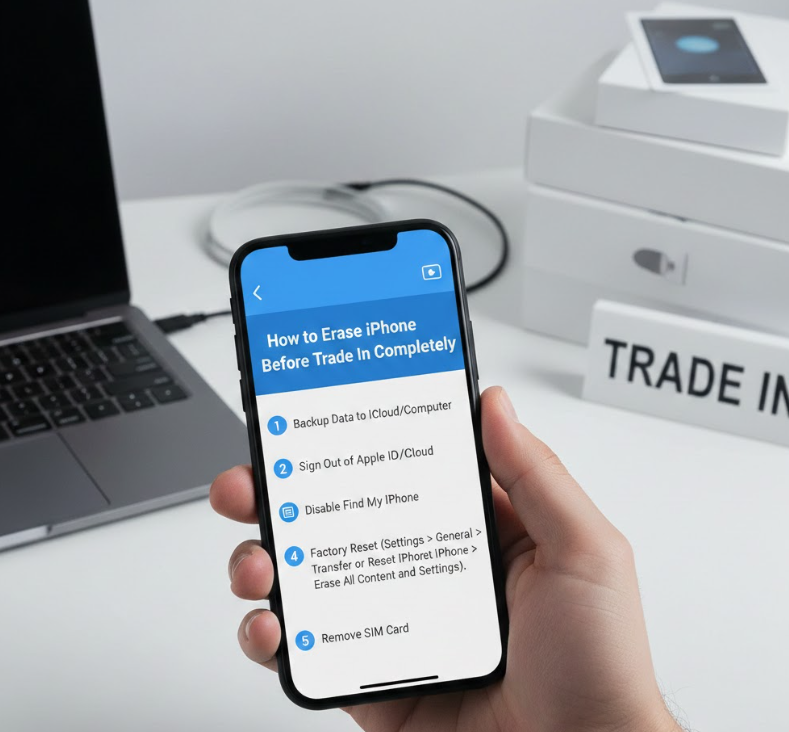
Understanding how to erase iPhone before trade in ensures your device is properly prepared for resale and protects your data completely.
This process includes disconnecting accounts, backing up files, and performing factory reset.
Important steps before trading in your iPhone:
. Disable tracking and security features
Turn off tracking features linked to your account. This prevents future ownership conflicts.
This step ensures smooth ownership transfer.
. Log out from all personal accounts
Remove all email, social media, and cloud accounts from the device.
This protects your personal identity.
. Backup essential files and information
Backup ensures you don’t lose valuable data permanently.
This is essential before resetting.
. Remove stored payment methods
Delete saved payment cards and banking information.
This protects your financial security.
. Reset device to factory settings
This erases all personal data and restores default system.
This prepares device for new owner.
. Confirm reset completion
Verify welcome screen appears.
This confirms proper erasure.
Also Read:- How to Use Shower Oil: The Complete Expert Guide for Silky, Hydrated Skin
How to Erase iPhone Without Passcode Using Safe Methods
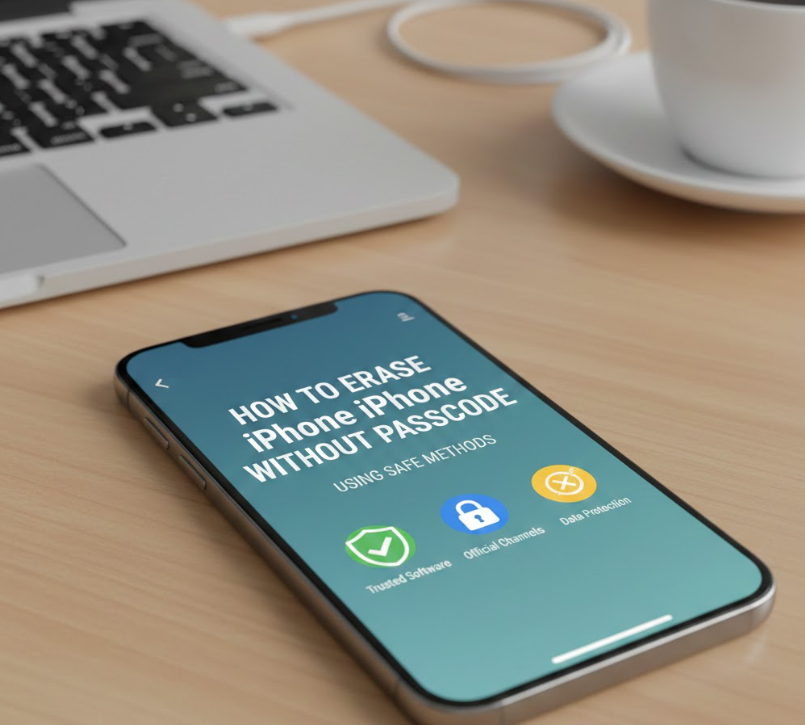
If you forget your passcode, learning how to erase iPhone without passcode allows you to reset your device safely.
This method uses system tools and recovery options to remove restrictions.
Safe methods to erase without passcode:
. Enter recovery mode manually
Recovery mode allows system reset without passcode.
This is secure and reliable.
. Connect device to trusted computer
This allows system software to detect device.
Connection is required for reset.
. Select restore option
Restore erases all data and removes passcode.
This ensures full reset.
. Wait until process completes
Do not interrupt reset process.
Interruptions can cause errors.
. Restart device after reset
Device will show setup screen.
This confirms success.
. Set up device as new or restore backup
Choose new setup or restore backup.
This completes process safely.
Also Read:- How to Pop Your Ears: Complete Guide to Safe Ear Pressure Relief
Best Practices and Expert Tips for Erasing iPhone Safely
. Always backup data before erasing
Backup protects important information permanently.
This ensures easy recovery.
. Sign out of accounts before reset
This prevents activation lock issues.
This ensures smooth ownership transfer.
. Remove SIM card and accessories
Protects mobile identity.
Prevents misuse.
. Verify reset completion
Ensure welcome screen appears.
Confirms full erasure.
. Follow official recommended steps
Using official methods ensures safety.
Avoids software issues.
. Protect personal privacy always
Proper erasure prevents data theft.
Ensures digital safety.
Also Read:- How to Carve a Turkey: The Complete Step-by-Step Expert Guide
Conclusion
Learning how to erase iPhone safely is essential for protecting your privacy, preparing your device for trade-in, and maintaining security. Proper erasure removes all personal data, disconnects your accounts, and restores factory settings.
Whether you want to erase your iPhone for trade-in, without password, or before selling, following proper steps ensures your data remains safe. Always backup your information, sign out of accounts, and verify reset completion.
Frequently Asked Questions (FAQs)
Is erasing iPhone permanent?
Yes, erasing permanently removes all personal data and restores factory settings.
Can erased data be recovered?
Usually no, unless restored from backup.
Should I erase iPhone before selling?
Yes, it protects your personal data and prepares device for new owner.
Does erase remove Apple ID?
Yes, if you sign out before reset.
For More Updates Visit: Biomagazine
