


If you’re searching for how to delete Instagram account, you’re likely ready to take control of your digital footprint. Whether your goal is privacy protection, reduced screen time, brand reset, or online safety, permanently removing your account is a significant decision.
Instagram, owned by Meta Platforms, has over two billion active users globally. With such scale comes increased awareness about data privacy, digital well-being, and personal boundaries. According to insights published by Pew Research Center, a growing percentage of social media users have taken breaks or deleted accounts due to privacy or mental health concerns.
Understanding the Difference Between Deactivation and Permanent Deletion
Before learning how to delete Instagram account permanently, it’s critical to understand the distinction between temporary deactivation and irreversible deletion. Deactivation hides your profile, photos, comments, and likes but allows future reactivation. Permanent deletion erases your data after a grace period, removing your presence from the platform entirely.
• Temporary Deactivation Is Reversible
When you deactivate, your profile becomes invisible to others, but Instagram retains your data. You can log back in anytime to restore your account fully. This option suits users who want a digital detox without permanent loss.
• Permanent Deletion Removes Account Data
Choosing permanent deletion starts a countdown (usually 30 days). After that period, your account, photos, videos, messages, and followers are erased. This action cannot be undone.
• Usernames Become Unavailable
Once permanently deleted, your username may not be recoverable. If you plan to rebrand later, consider deactivation instead.
• Business and Creator Accounts Lose Insights
Analytics, ad data, and monetization history will be permanently removed. Businesses should download reports beforehand.
• Linked Accounts May Be Affected
If your Instagram is connected to Facebook or third-party apps, unlinking is recommended before deletion.
• Policy Updates Matter (2025 Official Process)
Instagram periodically updates account removal steps. Always follow the official method available through Instagram’s Help Center.
Also Read:- How to Store Potatoes: The Complete Expert Guide for Freshness, Flavor, and Long-Term Storage
How to Delete Instagram Account Permanently (2025 Official Method)

The official 2025 method for how to delete Instagram account permanently involves accessing the Accounts Center via app or browser, confirming identity, selecting deletion reason, and verifying your password. The process includes a waiting period before permanent removal. Accuracy during these steps ensures successful account termination.
• Access Accounts Center
Log into Instagram and navigate to Settings → Accounts Center → Personal Details → Account Ownership and Control. This centralized system manages deletion requests across Meta services.
• Select “Deactivation or Deletion”
Choose your Instagram profile and tap “Delete Account.” Ensure you select deletion—not deactivation.
• Choose a Reason for Leaving
Instagram asks for feedback to improve services. Select the most accurate reason before proceeding.
• Re-Enter Your Password
Identity verification protects against unauthorized deletion attempts.
• Confirm Deletion Date
Instagram shows a scheduled deletion date (usually 30 days ahead). Until then, logging in cancels deletion.
• Avoid Logging In During Grace Period
Any login cancels the deletion request. Stay logged out if you intend to proceed.
Also Read:- How to Read Palms: Complete Beginner’s Guide to Palm Reading, Lines, and Meanings
How to Delete Instagram Account on iPhone

For iOS users wondering how to delete Instagram account on iPhone, the process is completed within the app or Safari browser. Apple device users must navigate through Accounts Center settings. The steps mirror desktop access but use mobile interface navigation.
• Open Instagram app on iPhone
• Go to Profile → Menu → Settings
• Tap Accounts Center
• Select Account Ownership and Control
• Choose Delete Account
• Confirm password and final request
Also Read:- How to Tie a Tie: The Complete Step-by-Step Expert Guide
How to Delete Instagram Account on Android
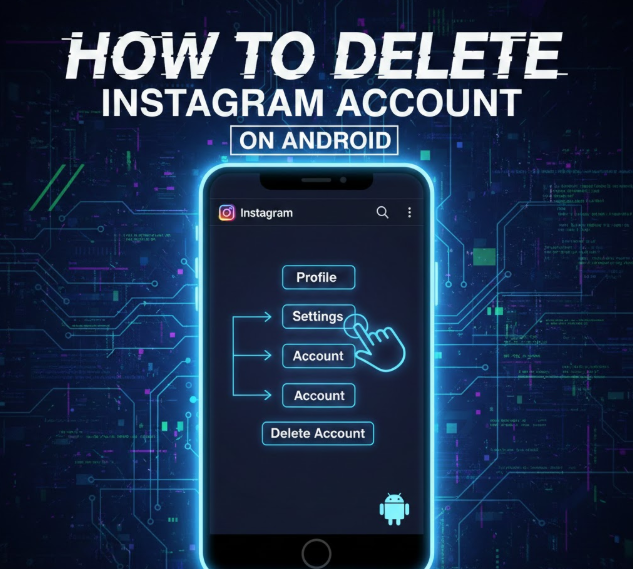
Android users follow nearly identical steps to delete Instagram accounts via the app. The interface may vary slightly depending on app version. Ensuring the app is updated guarantees access to the latest 2025 official method.
• Update Instagram app
• Access Settings
• Open Accounts Center
• Choose Deletion option
• Enter password
• Confirm and log out
Also Read:- How to Reopen Closed Tabs: The Complete 2026 Expert Guide
How to Delete Instagram Account on Computer or Laptop

Users searching how to delete Instagram account on computer or laptop can complete the process via web browser. Desktop access offers clearer visibility of confirmation prompts. This method is ideal for users who prefer larger screens.
• Visit Instagram.com and log in
• Click Profile → Settings
• Access Accounts Center
• Select Deletion option
• Confirm identity
• Log out and avoid re-login
Also Read:- How to Make Sticky Rice: The Complete Authentic Step-by-Step Guide
How to Delete Instagram Account Step by Step (Quick Summary)
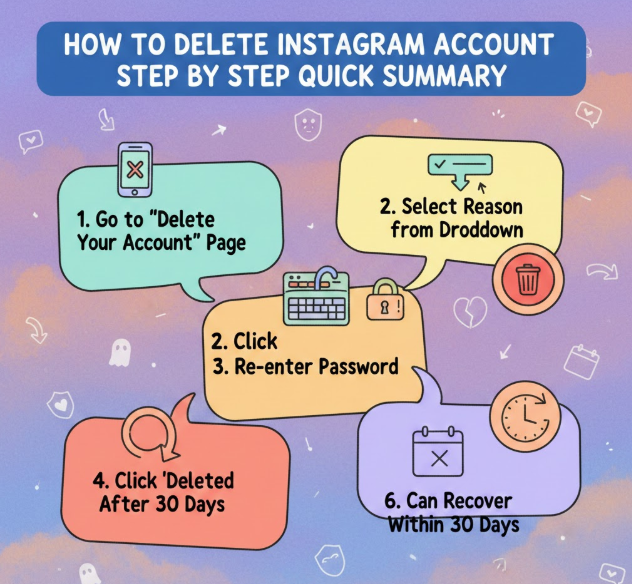
If you need a concise overview of how to delete Instagram account step by step, this section simplifies the process into clear actions. Each step ensures security and confirmation before final deletion. Following them carefully prevents accidental cancellations.
• Log into Instagram
• Go to Settings → Accounts Center
• Select Account Ownership
• Choose Delete Account
• Confirm password
• Log out for 30 days
Also Read:- How to Remove Skin Tags at Home: Safe, Natural, and Fast Methods That Work
How to Delete Instagram Account From App Directly

Deleting from the app ensures direct control without using browser links. Instagram now allows in-app deletion requests under updated platform rules. This simplifies the user experience in 2025.
• Open app settings
• Tap Accounts Center
• Select profile
• Choose delete
• Confirm request
• Avoid login during waiting period
Also Read:- How to Find Y Intercept: A Complete Step-by-Step Mathematical Guide
Important Data Backup Before Deleting Instagram
Before permanently deleting your account, downloading your data is strongly recommended. Instagram allows users to export photos, videos, messages, and activity logs. This preserves digital memories and professional assets.
• Go to Settings → Privacy
• Select Download Your Information
• Enter email address
• Choose data format (HTML/JSON)
• Wait for download link
• Save files securely
Also Read:- How to Make Pesto: The Ultimate Guide to Homemade Pesto Sauce and Pasta
Privacy, Security, and Legal Considerations
Deleting an Instagram account has implications for privacy, digital rights, and content ownership. Users should understand data retention policies and legal obligations before proceeding. Reviewing Meta’s data policies ensures informed consent.
• Review Instagram Data Policy
• Understand 30-day deletion timeline
• Consider impact on business partnerships
• Check linked apps
• Notify collaborators
• Secure alternative communication channels
Also Read:- How to Hard Reset iPhone: Complete Step-by-Step Guide for All Models
Conclusion
Understanding how to delete Instagram account permanently empowers you to manage your digital presence responsibly. Whether deleting from iPhone, Android, computer, or laptop, always follow the official 2025 method inside Accounts Center.
Before proceeding, download your data, unlink connected apps, and confirm your decision. Remember, once the grace period ends, recovery is impossible.
If your goal is temporary disconnection, consider deactivation instead. But if you’re ready for a permanent digital reset, this guide ensures you do it correctly, safely, and confidently.
FAQs
Can I recover my account after 30 days?
No, permanent deletion cannot be reversed after the grace period.
Does Instagram delete messages immediately?
Messages may remain visible to others but your profile becomes inaccessible.
Can I delete without password?
No, password confirmation is mandatory.
Will my username become available again?
Not guaranteed.
Is deletion different in 2025?
The process now runs through Accounts Center for centralized control.
For More Updates Visit: Biomagazine
