

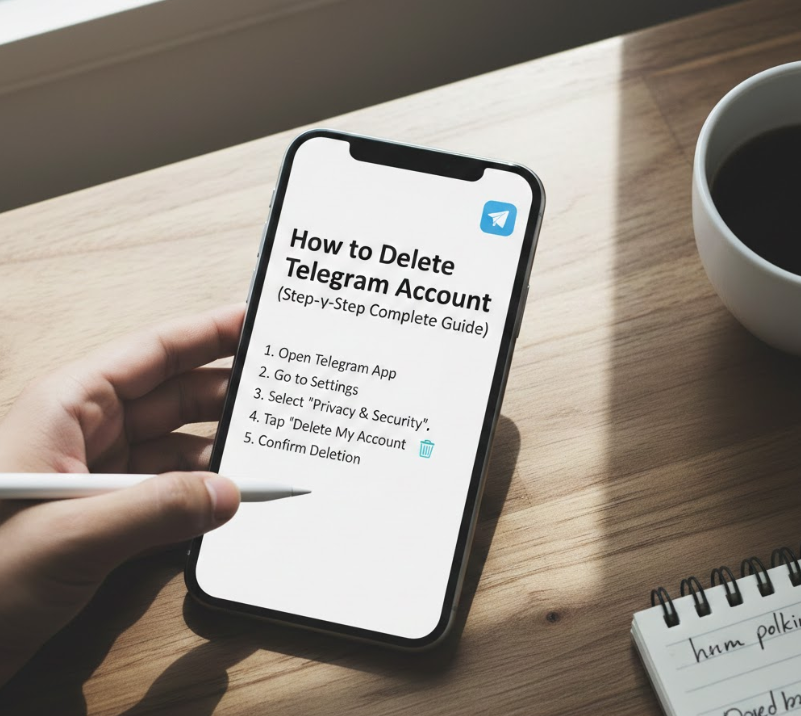
Knowing how to delete Telegram account has become increasingly important as users rethink privacy, digital security, and app overload. Telegram is popular for its speed and privacy features, but many users decide to leave due to data concerns, reduced usage, or a switch to another messaging platform. Deleting a Telegram account is not as simple as uninstalling the app, and misunderstanding the process can result in data loss or incomplete deletion.
This guide explains how to delete Telegram account permanently, covering official methods, platform-specific steps for iPhone and Android, and instant deletion options. The article is based on real user experience, official Telegram documentation, and best practices, ensuring accuracy and trustworthiness. You’ll also learn what happens after deletion, common mistakes, and how to protect your data before proceeding.
Understanding How Telegram Account Deletion Works
Deleting a Telegram account is a server-side action, meaning removing the app alone does not erase your data. Telegram stores chats, contacts, and cloud messages unless you formally request deletion through its official system.
Key Facts About Telegram Account Deletion
• Telegram accounts are deleted only via the official Telegram deactivation page
• Once deleted, all chats, groups, channels, and media are permanently erased
• The same phone number cannot be reused immediately
• Deletion is irreversible
Telegram emphasizes privacy, which is why deletion requires identity verification via phone number and confirmation codes.
How to Delete Telegram Account on iPhone
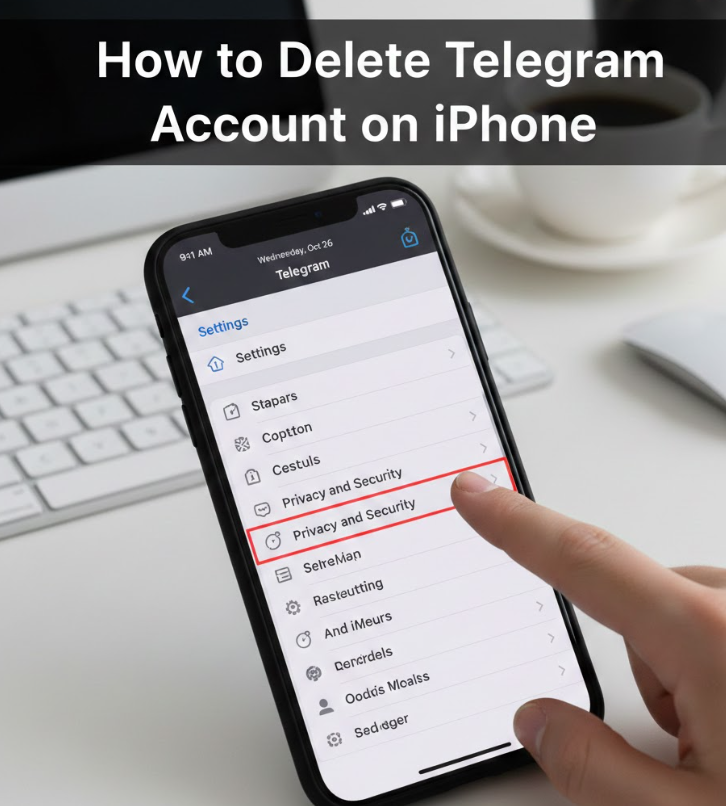
Learning how to delete Telegram account on iPhone is crucial because iOS users often assume Apple settings handle app data removal. In reality, Telegram account deletion must be completed through a browser, not the iPhone app or iOS settings. This process ensures that your identity is verified and prevents accidental deletions.
Deleting your Telegram account from an iPhone permanently removes your cloud chats, groups, and saved files. It also disconnects your phone number from Telegram servers. The process is user-controlled, secure, and fully compliant with privacy regulations.
Step-by-Step Build Points
• Access the official Telegram deactivation page
Open Safari or any browser on your iPhone and go to Telegram’s official account deletion website. This is the only legitimate method.
• Enter your phone number with country code
Use the same phone number linked to your Telegram account. Accuracy is essential to receive the confirmation code.
• Receive verification code inside Telegram app
Telegram sends the code directly to your account, not via SMS, ensuring security.
• Submit the confirmation code on the website
Enter the code carefully to verify ownership of the account.
• Provide optional feedback reason
Telegram allows you to explain why you’re leaving, but this step is optional.
• Confirm permanent deletion
Once confirmed, your Telegram account is permanently deleted with no recovery option.
Also Read:- How to Learn to Code: A Complete Beginner-to-Advanced Roadmap
How to Delete Telegram Account Permanently on Android
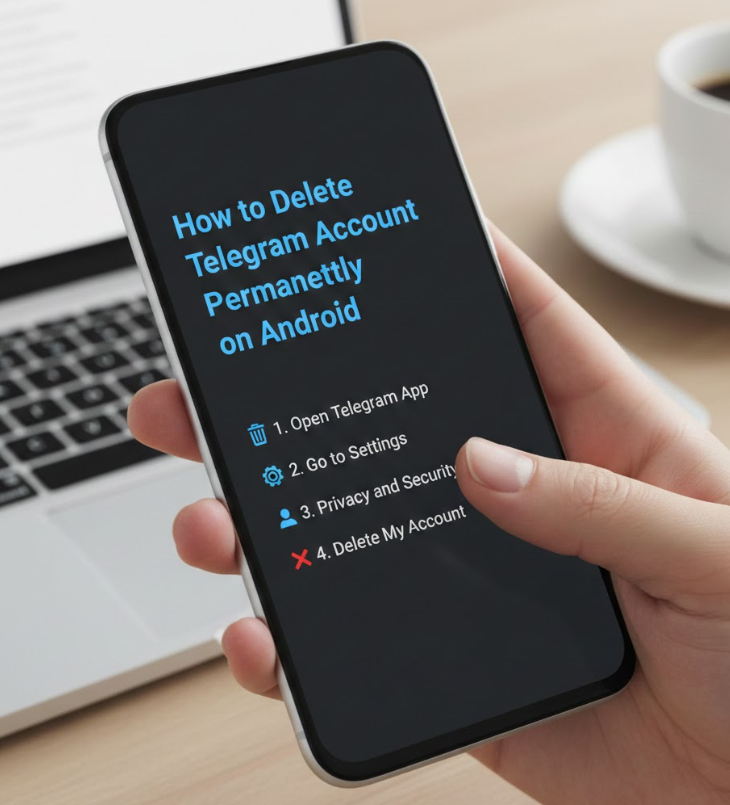
Understanding how to delete Telegram account permanently on Android is essential because Android users often think clearing app data is enough. However, Telegram data is stored in the cloud, and deleting the app does not delete your account.
Permanent deletion ensures that your messages, groups, channels, and contacts are removed from Telegram servers entirely. This process is identical across Android devices and does not require special permissions or root access.
Step-by-Step Build Points
• Open a web browser on your Android device
Telegram does not support account deletion from within the Android app itself.
• Navigate to the official Telegram deletion portal
Using unofficial tools may result in security risks or incomplete deletion.
• Enter registered phone number correctly
Always include the international country code.
• Receive Telegram login code in-app
This ensures that only the account owner can delete the account.
• Confirm deletion request after verification
Telegram displays a final warning about irreversible data loss.
• Account permanently erased from Telegram servers
All chats, cloud data, and associations are removed instantly.
Also Read:-How to Factory Reset iPhone: Complete Step-by-Step Expert Guide
How to Delete Telegram Account Permanently Instantly
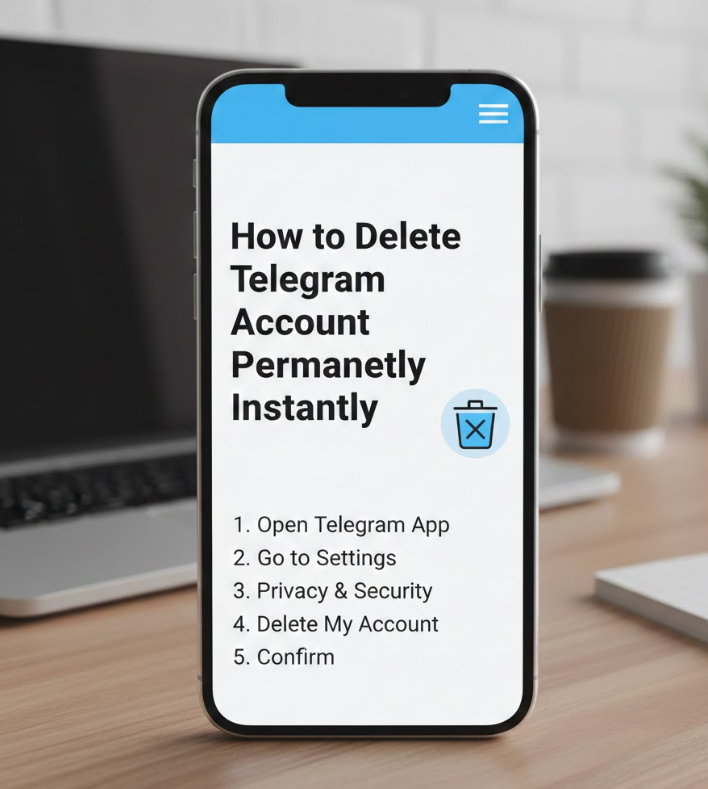
Many users search for how to delete Telegram account permanently instantly because they want immediate results. Telegram does allow instant deletion, but only when you manually confirm the process through its official website.
There is no waiting period once you submit the final confirmation. However, Telegram may temporarily restrict re-registration using the same phone number to prevent abuse.
Step-by-Step Build Points
• Use Telegram’s official deactivation page only
Instant deletion works exclusively through the official portal.
• Verify your identity using Telegram login code
The verification ensures that deletion cannot be triggered remotely by others.
• Confirm deletion immediately
Once confirmed, the account is deleted in real time.
• All cloud chats and media removed instantly
Telegram does not store backups after deletion.
• Groups and channels lose your ownership role
Admin rights are transferred or removed automatically.
• Phone number temporarily restricted from reuse
Telegram enforces cooldown periods for security reasons.
Also Read:- How to Make Slime: Complete Step-by-Step Guide for Beginners
How to Delete Telegram Account Official Method
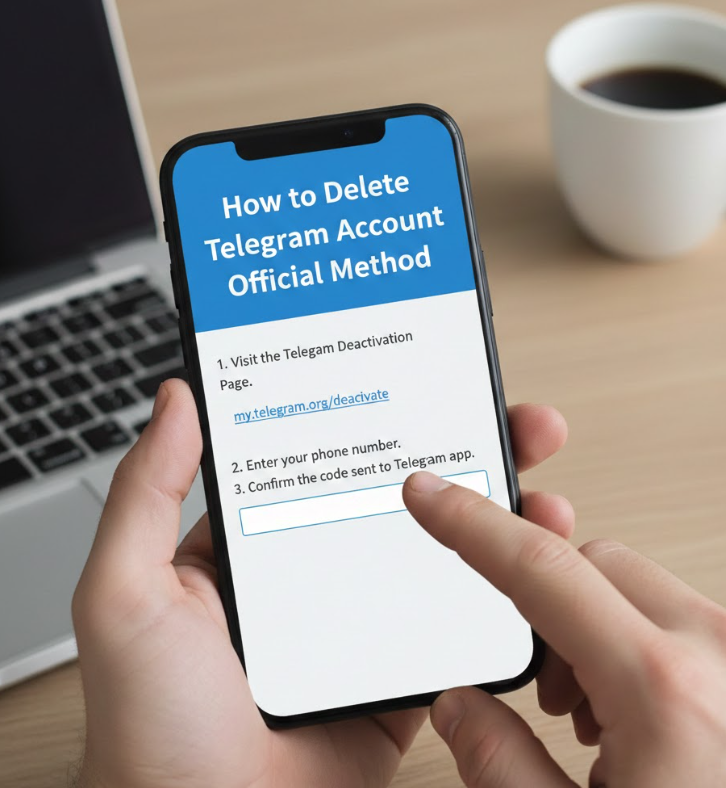
Using the official method to delete Telegram account is the safest and only recommended approach. Telegram does not authorize third-party apps, scripts, or mobile settings for account deletion.
The official method complies with data protection laws such as GDPR and ensures your personal data is fully erased from Telegram infrastructure.
Step-by-Step Build Points
• Always use Telegram’s official website
Avoid fake deletion tools that may steal personal data.
• Ensure active access to your Telegram account
You must receive a verification code inside the app.
• Understand data deletion consequences
Messages, contacts, and saved files cannot be recovered.
• Follow on-screen confirmation steps carefully
Telegram shows multiple warnings to prevent mistakes.
• Avoid repeated deletion attempts
Multiple attempts may trigger temporary restrictions.
• Log out from all devices automatically
Deletion disconnects your account from all sessions.
Also Read:- How to Take a Screenshot on a Chromebook: Complete Step-by-Step Guide
What Happens After You Delete Telegram Account
When you complete the process of how to delete Telegram account, several permanent changes occur. All your personal data, including messages, contacts, and groups, are erased. Other users will see your account removed from chats.
Telegram does not keep backups once deletion is confirmed, which enhances privacy but eliminates recovery options.
Common Mistakes to Avoid When Deleting Telegram Account
• Assuming uninstalling the app deletes your account
• Using unofficial websites or apps
• Entering the wrong phone number format
• Ignoring Telegram’s confirmation warnings
• Expecting data recovery after deletion
Conclusion: Final Thoughts on How to Delete Telegram Account
Knowing how to delete Telegram account properly gives you full control over your digital footprint. Whether you’re using an iPhone, Android device, or want instant deletion, following the official method ensures privacy, security, and complete data removal.
Telegram’s transparent deletion process reflects its commitment to user privacy. Before deleting, always back up essential information and understand the permanent nature of this action. Once completed, your Telegram presence is erased entirely and securely.
FAQs:
Q1: Can I recover my Telegram account after deletion?
No. Once deleted, recovery is impossible.
Q2: Is uninstalling Telegram the same as deleting the account?
No. Uninstalling does not delete your account or data.
Q3: How long does Telegram take to delete an account?
Deletion is instant after confirmation.
Q4: Can I use the same phone number again?
Yes, but Telegram may apply a temporary restriction.
For More Updates Visit: Biomagazine
